Task: Mid-program Project
For my Mid Program Project class we have been tasked with creating a 3D model and circuit on tinkercad. This will be my first experience with 3D modeling, so I’m a little nervous.
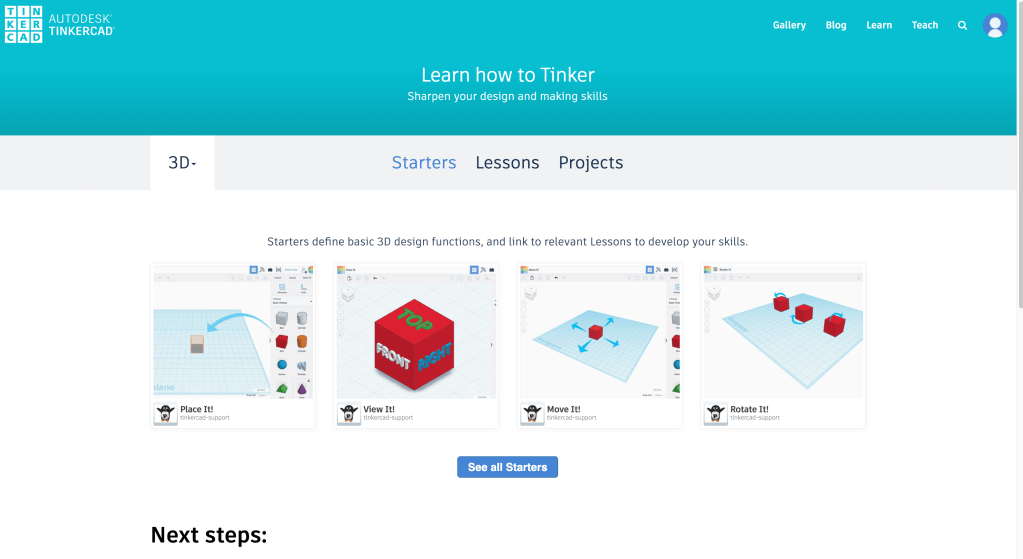
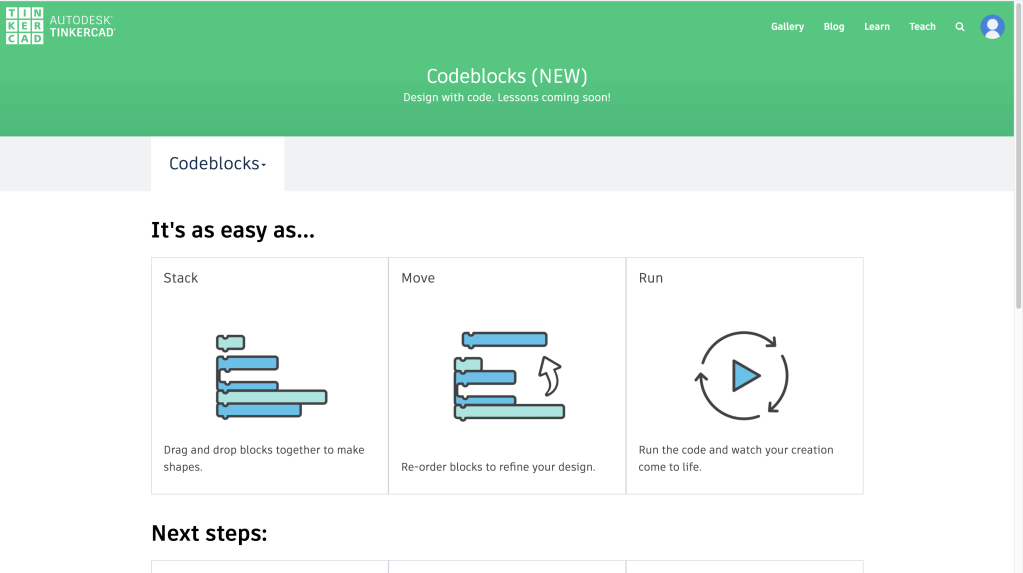
Upon opening Tinkercad, there are plenty of options to learn the basics. Tinkercad can be used to create 3D models, circuits, and codeblocks.
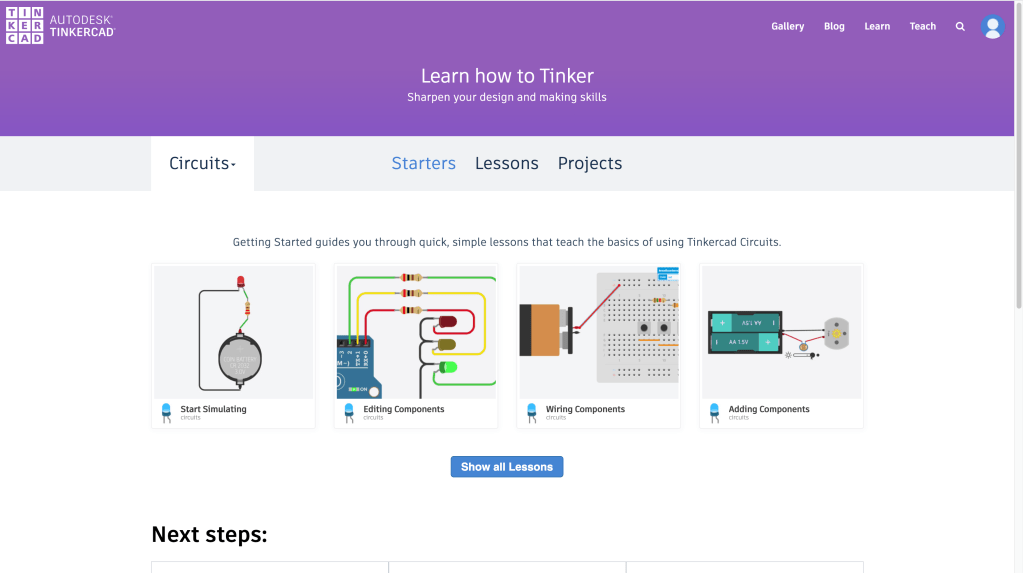
Inside of the circuit tutorial you can get a feel for the software through easy tasks and even simulate your project.
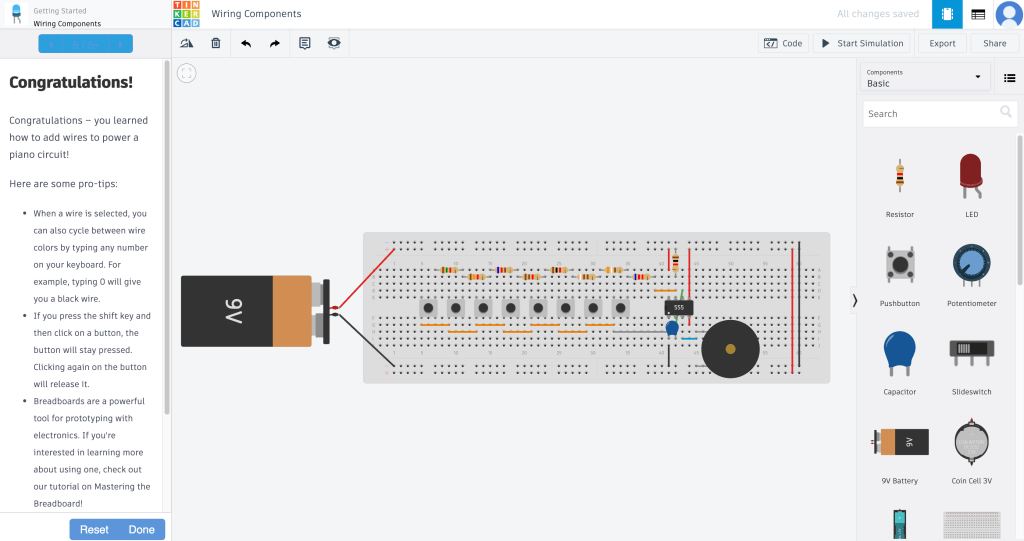
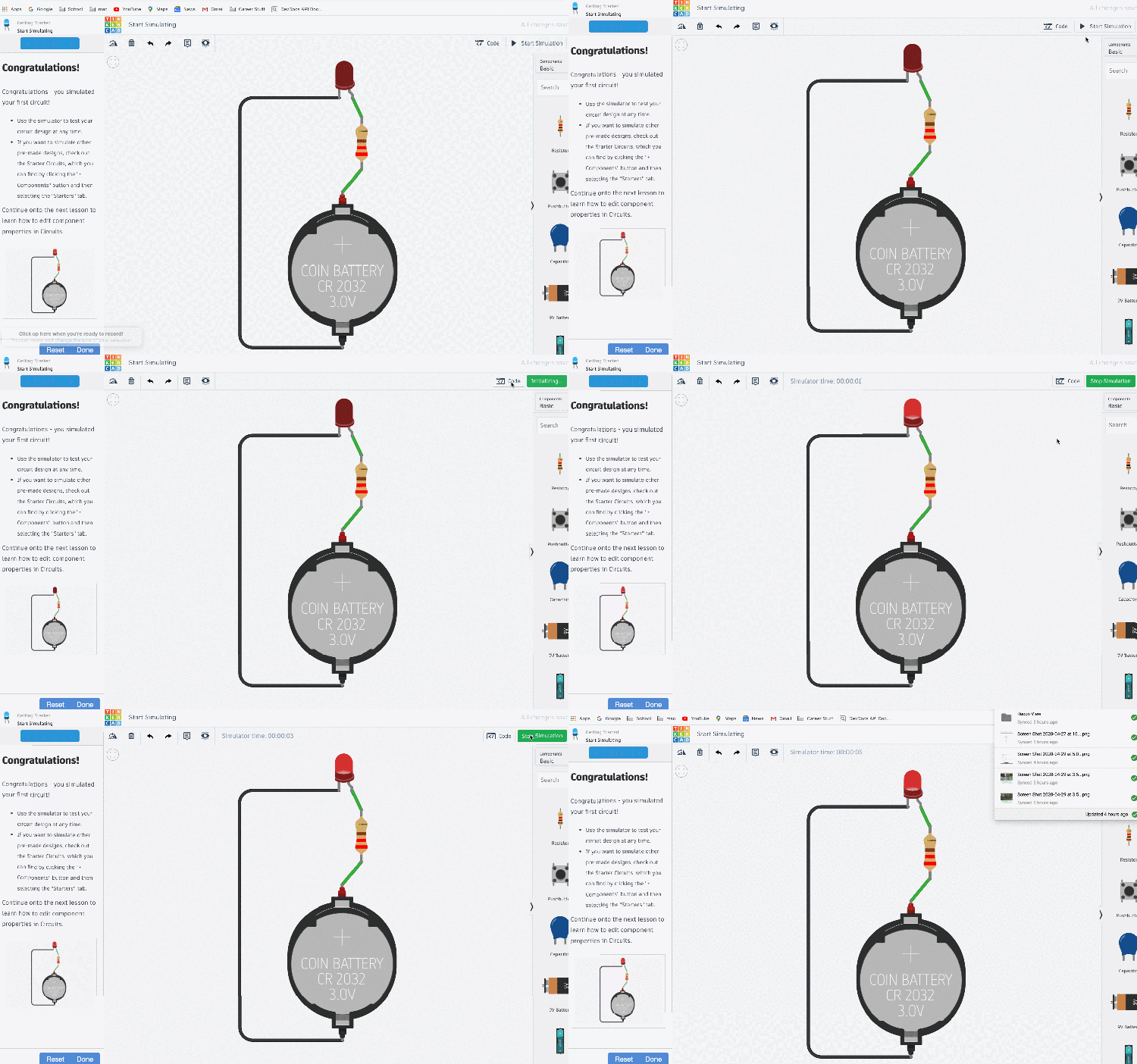
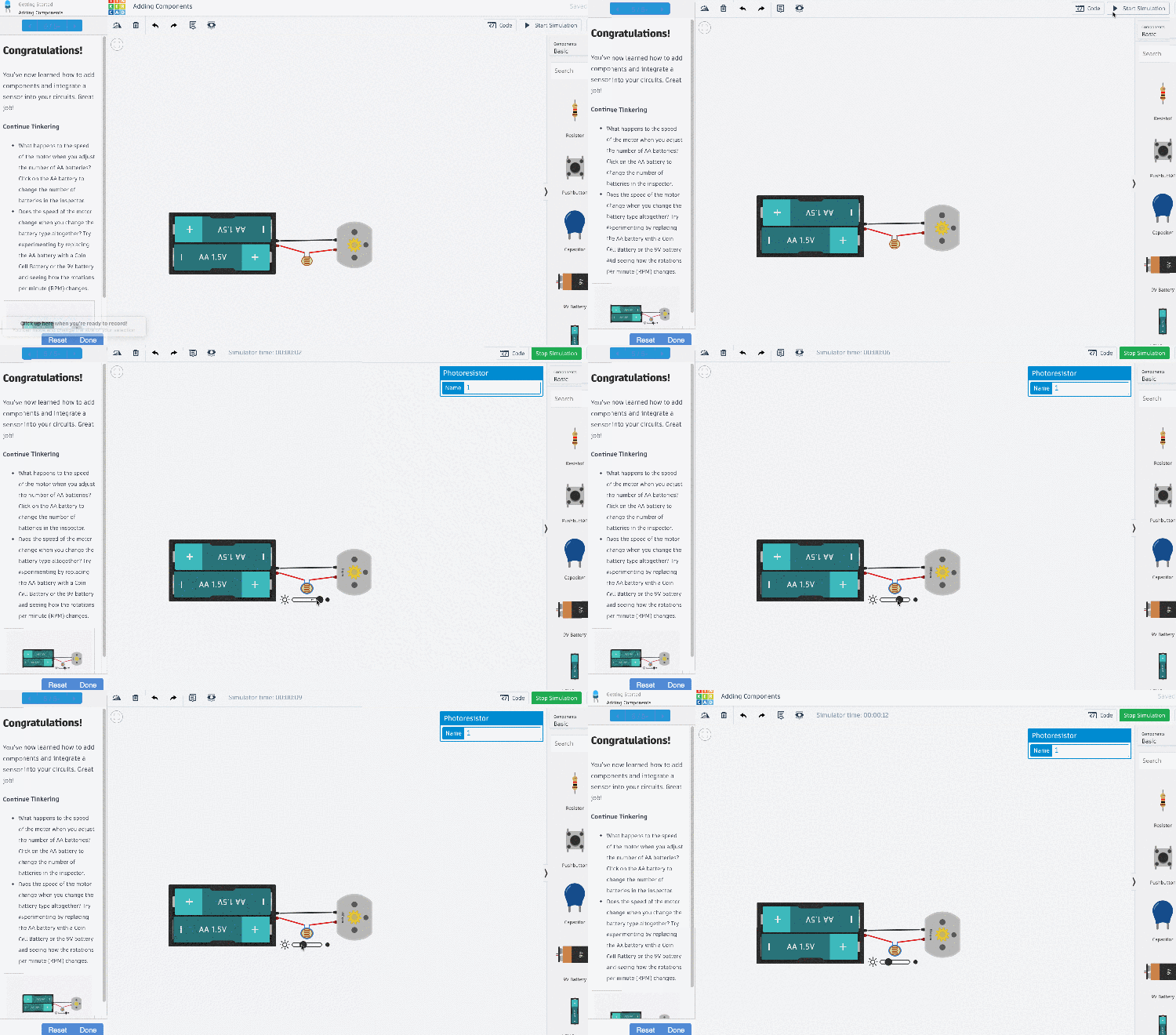
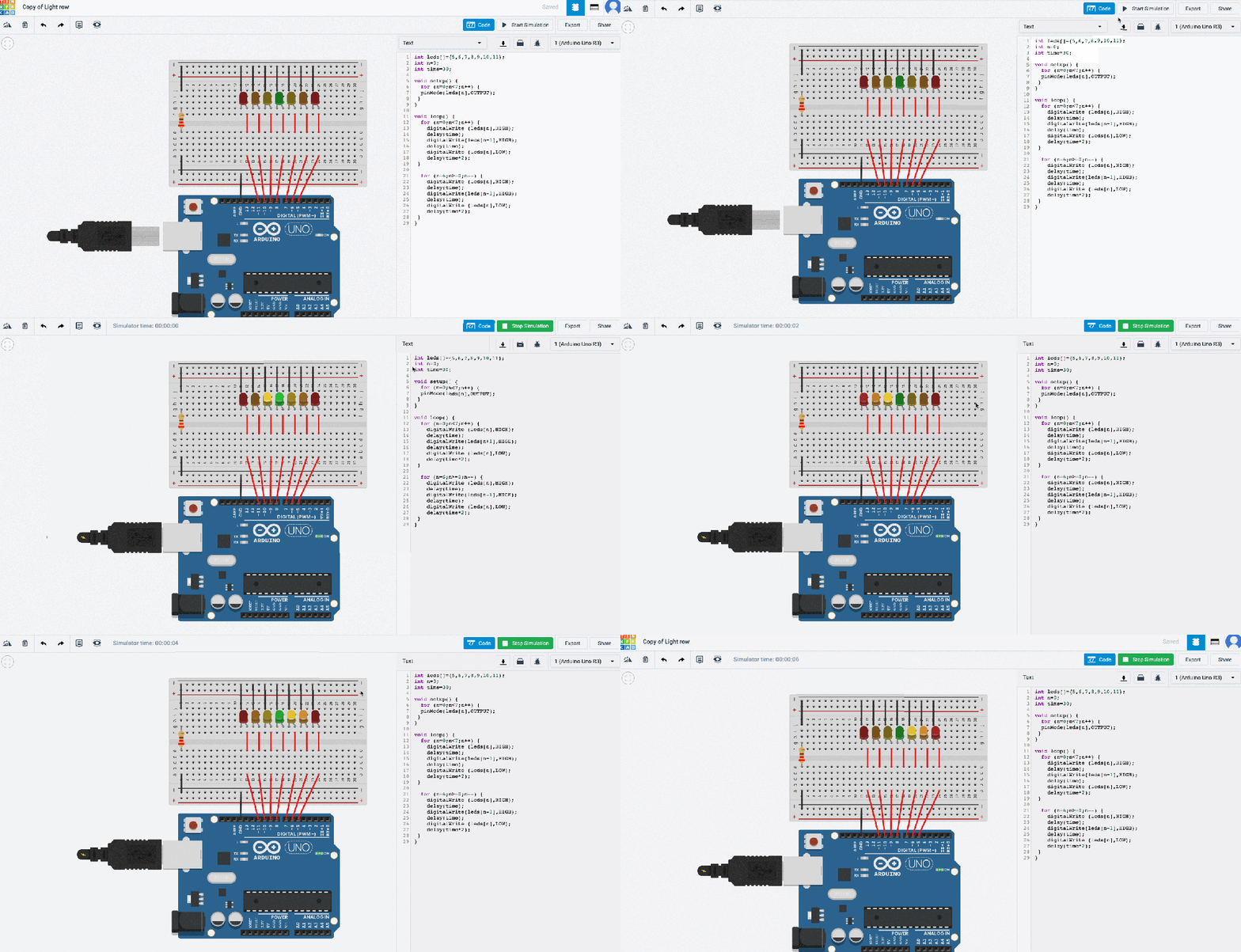
After dabbling in the tutorials, I was able to make my own simple circuit of different colored lights on a breadboard.
For my big project I created something I have wanted to make since freshman year, an automatic dispenser. With the current emphasis on “social distancing,” this is a great help in germ avoidance.
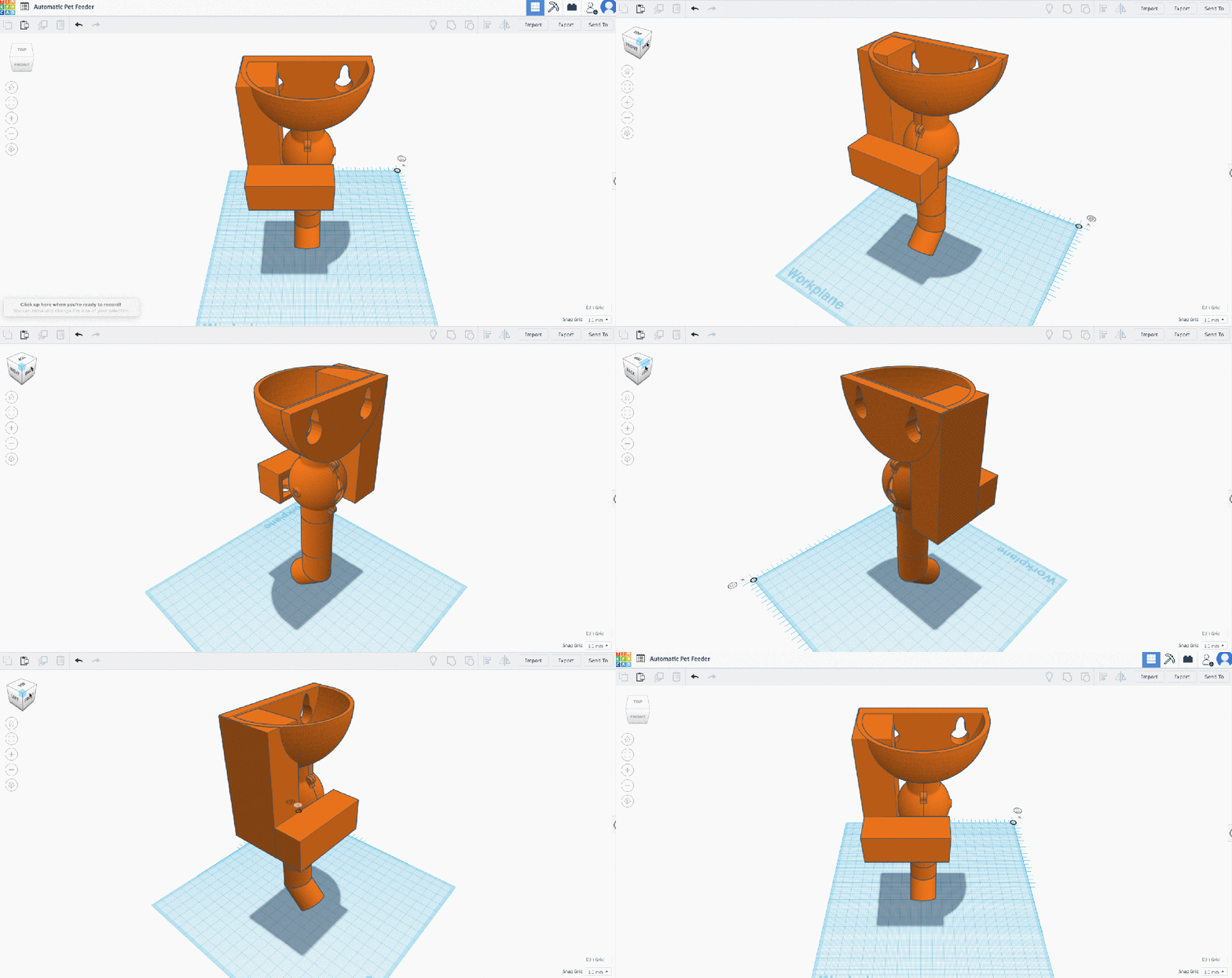
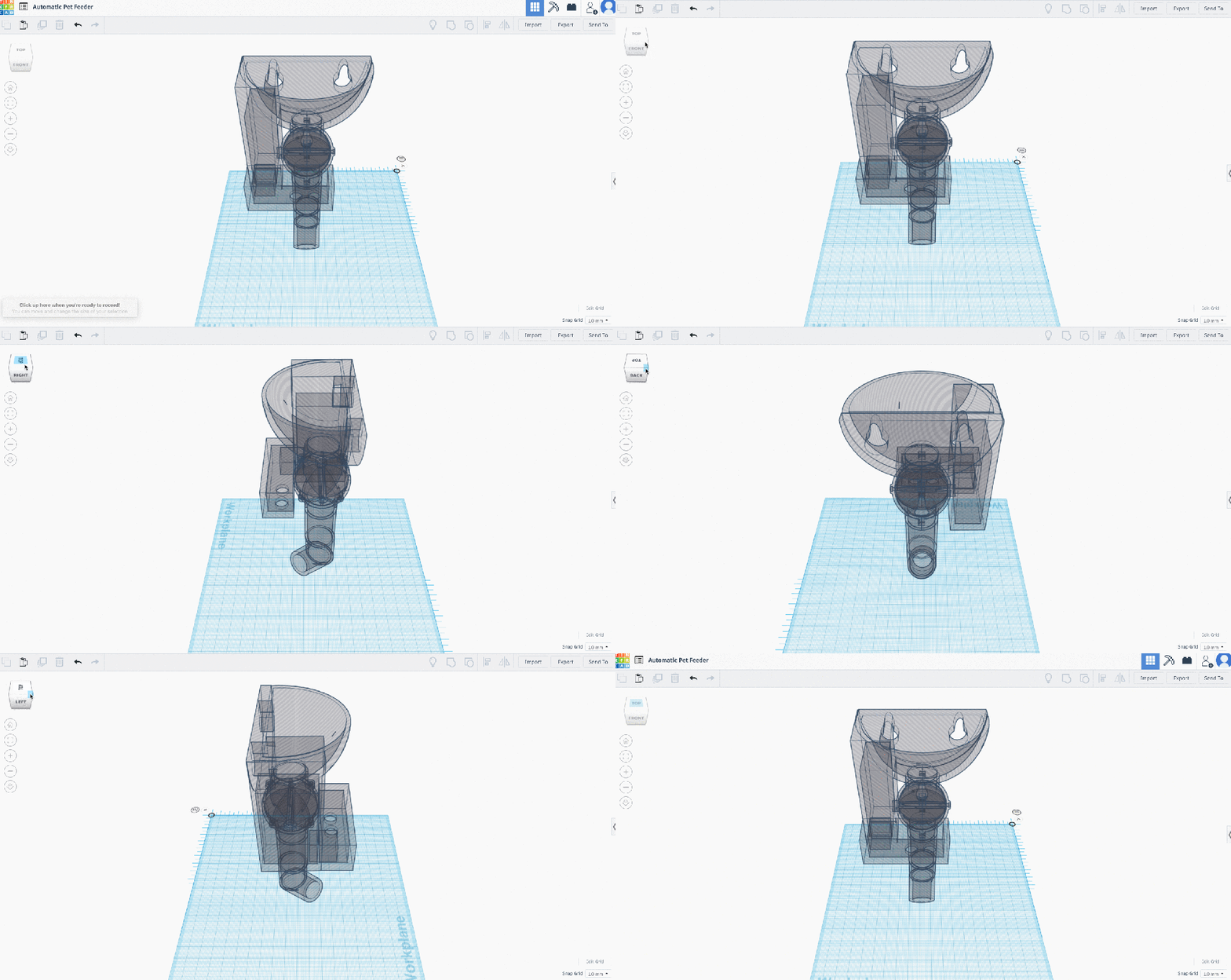
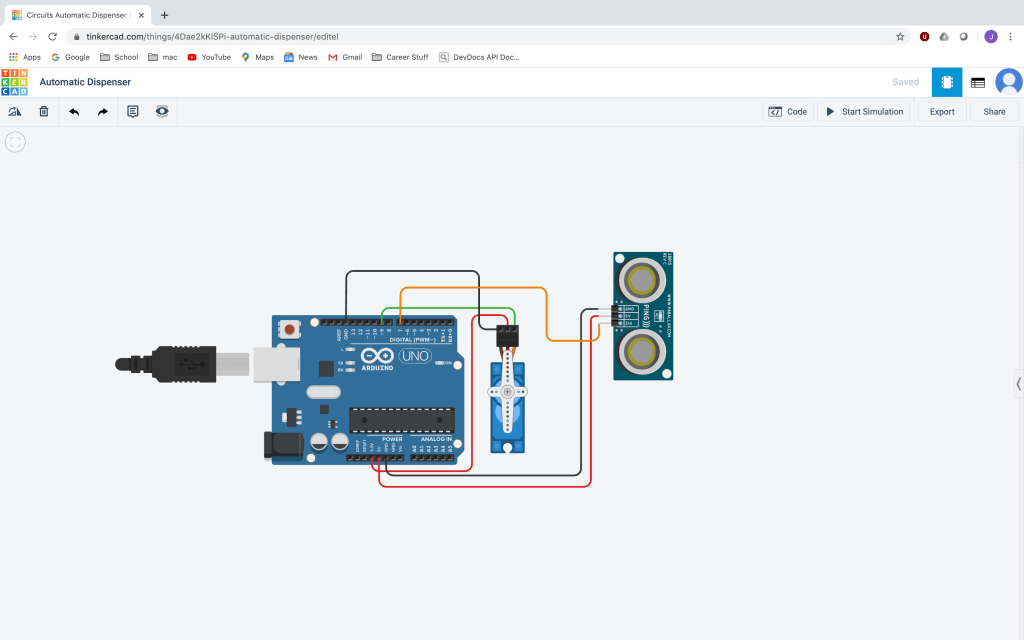
Parts list:
- Arduino Uno R3
- 6 copper wires
- Micro Servo
- Ultrasonic Distance Sensor
- Screw driver
- 4 short screws
- 3 long screws
- Laptop to program Arduino
- Micro USB with power adapter
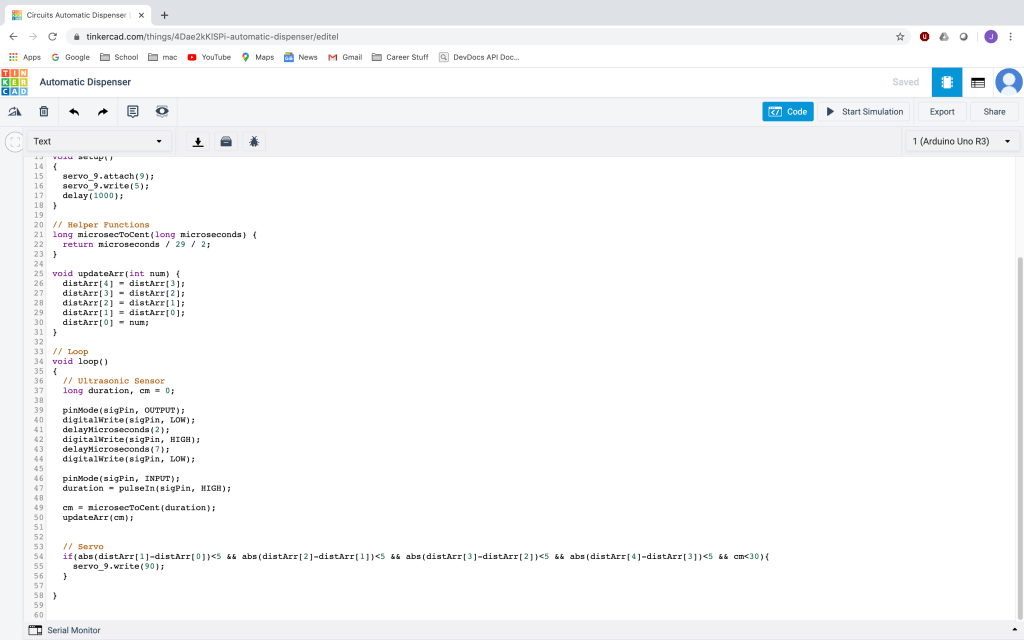
Code can be found on my Github: Jalbarr and in slideshow below
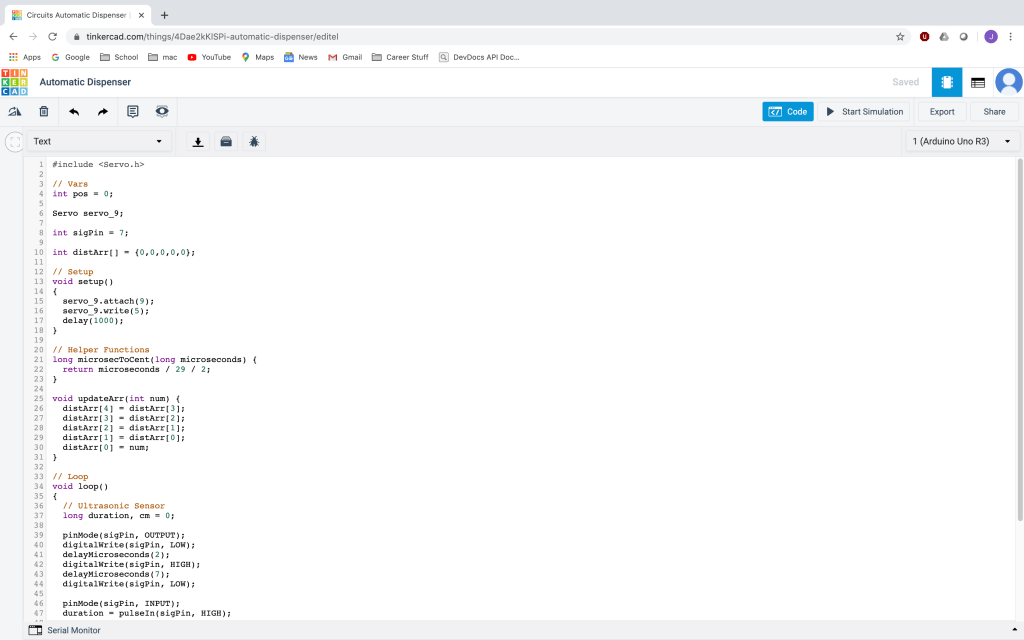
Project Walkthrough:
 Job's Globe